How a CRM Can Help Small Businesses Build Better Customer Relationships
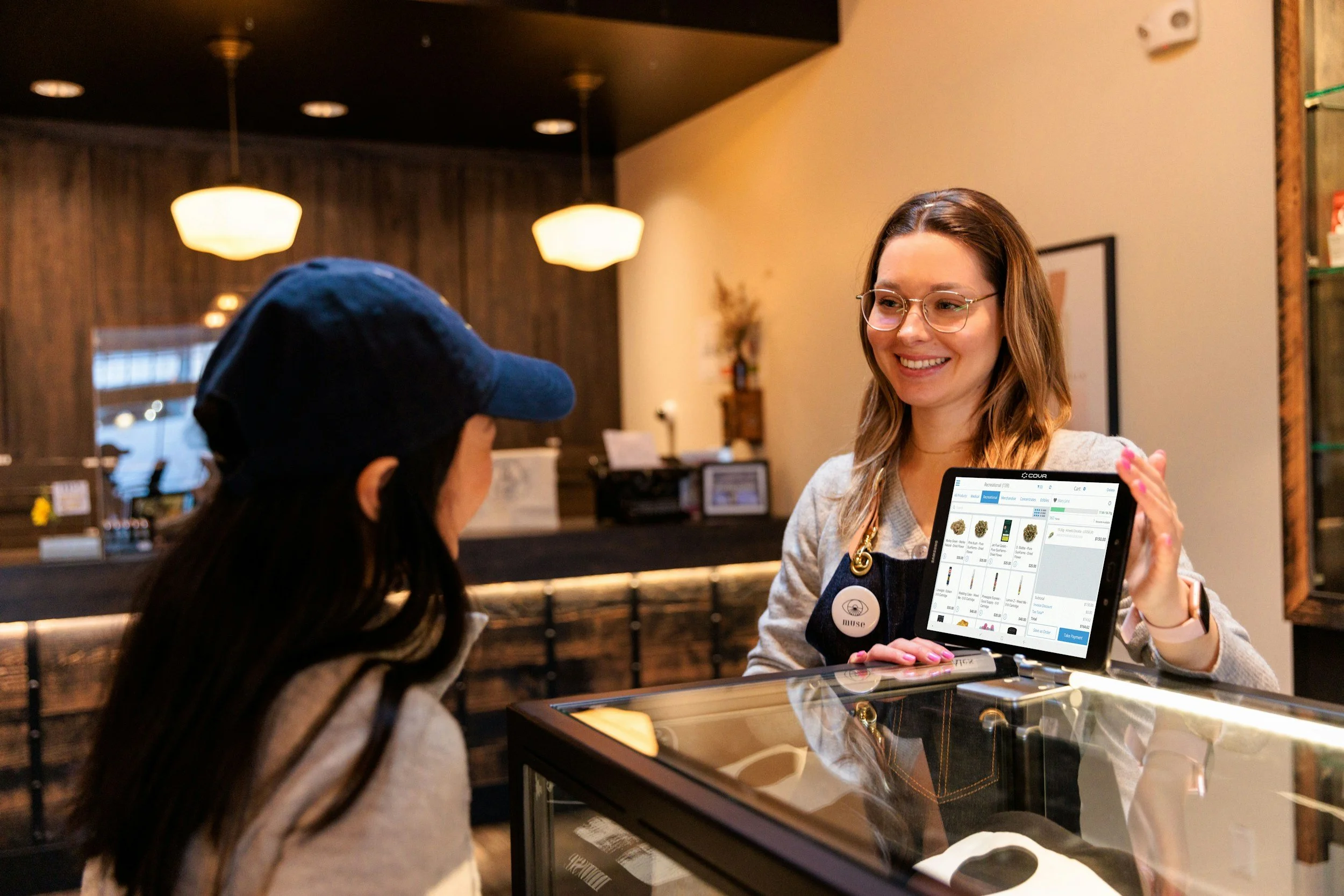
Be honest: where do your customer details actually live? For many owners in Nashville and beyond, the answer is a messy mix of sticky notes, text threads, a half-finished spreadsheet and whatever is in your head on a Tuesday morning. It works, until a regular client's preferences slip your mind, a follow-up never gets sent or a new hire has no idea what was promised last month. Customers notice those small gaps, even when you're doing great work.
A customer relationship management system, or CRM, can close them. Here's a friendly, practical guide to what a CRM does, how it helps small businesses build stronger relationships and how to choose one without overcomplicating things.

What Is a CRM, Really?
A CRM is simply an organized home for everything you know about your customers. Instead of scattering details across apps and notebooks, you keep them together so anyone on your team can see the full picture.
At its core, a CRM typically helps you:
Store contact details: Names, phone numbers, emails and addresses in one place
Track history: Past purchases, appointments, conversations and notes
Stay on top of follow-ups: Reminders for who to contact and when
Organize your pipeline: See who's a new inquiry, who's booked and who's a repeat customer
Share information: Everyone on the team works from the same records
You don't need to be a big company for this to matter. If you serve more than a handful of customers, you already have a CRM. It's just a question of whether it's organized.
Why Relationships Matter for Small Businesses
Small businesses make up almost the entire business landscape. The U.S. Small Business Administration's Office of Advocacy reports that there are 36,207,130 small businesses in the United States, or 99.9 percent of all businesses.
That figure is a count of businesses, not a measure of CRM use, and the page doesn't state which year the underlying data covers. But it points to something useful: with so many small businesses competing for the same customers, personal service is often the thing that sets one apart. People remember when you know their name, remember their last visit and follow up at the right moment.
How a CRM Strengthens Customer Relationships
A good system doesn't replace the human touch. It gives you the information to deliver it consistently.
Here's where it tends to help most:
Personalization: Knowing a customer's history lets you suggest the right service or product, instead of starting from scratch every time
Faster responses: Having details at your fingertips means quicker, more confident replies
Fewer dropped balls: Reminders and task lists keep follow-ups from slipping through the cracks
Consistency across the team: Whether it's you or a colleague answering the phone, the customer gets the same experience
Better timing: You can reach out when it's useful, such as a service due date or a seasonal offer
When customers feel remembered, they're more likely to return and recommend you to others.
Connecting Bookings and Customer Records
For businesses that work by appointment, the link between scheduling and customer information is especially important. A booking tells you who's coming and when. The customer record tells you who they are, what they've had done before and how they like things handled.
When those two live in separate places, details get lost. A booking CRM combines them, so the appointment and the history sit side by side. That can help reduce double-bookings and missed appointments while creating a smoother experience from the first click to the final payment.
Even if you don't use a dedicated tool yet, the principle is worth following: record every booking alongside what you learned about the customer, so you can use it next time.
Everyday Ways to Use Customer Data Well
You don't need advanced analytics to get value. A few simple habits go a long way:
Add notes after every job: Preferences, concerns, special requests and what you recommended
Tag your customers: Group them by service, location or how often they visit, so you can send more relevant messages
Set follow-up reminders: Check in after a service, or when a customer is likely due for another visit
Send thank-you messages: A short, genuine note after a purchase is memorable
Ask for feedback and reviews: Make it easy for happy customers to share their experience
Win back quiet customers: Reach out to people who haven't visited in a while with something helpful, not pushy
Used consistently, customer data can help you build stronger relationships without making every interaction feel like a sales pitch. The goal is to use what you know to make follow-ups more useful, personal, and timely while giving customers a better overall experience.

Choosing a CRM That Fits Your Business
Not every CRM suits every business. The best one is the one your team will actually use. Before you commit, think about:
Your workflow: Does it match how you take bookings, quote jobs and get paid?
Ease of use: Can a new team member learn it quickly, ideally from a phone?
Key features: Customer profiles, reminders, messaging, invoicing and reporting are common must-haves
Integrations: Does it connect with the tools you already use, like accounting or payment software?
Growth: Will it still work if you add staff, services or locations?
Data and privacy: How is customer information stored and protected, and can you export it if you leave?
Take advantage of free trials where they're offered, and test with real situations like booking a job, sending a reminder and finding an old customer's history.
How Service Businesses Approach It
Customer management tools can look very different depending on the type of business they are designed for. Urable, for example, is built for service businesses such as auto detailing, lawn care, and window tinting, with features that bring customer information, service history, payments, and scheduling into one place.
The right platform should fit the way your business already operates rather than forcing you to change everything. Compare a few options, consider the features you actually need, and check pricing, ease of use, and customer support before making a decision.
Common Mistakes to Avoid
A few pitfalls trip up many small businesses when they adopt a CRM:
Buying too much too soon: Complex systems with features you never use can slow your team down
Skipping the setup: Importing messy data leads to messy records, so clean up first
Not training the team: A tool nobody uses is just another subscription
Entering data inconsistently: Agree on simple rules for notes and tags
Ignoring the customer's perspective: Automation should feel helpful, not robotic
The goal is not to use the most advanced CRM, but to choose one your team can use consistently. A simple system with clean data, clear processes, and thoughtful automation can deliver far more value than a complicated platform that creates extra work.
Conclusion
A CRM is really just a better memory for your business. By keeping customer details, bookings and conversations in one place, you can respond faster, follow up reliably and give every customer the sense that you know them, which is often what small businesses do best. Start simple: gather your customer information, decide what you need to track and choose a tool that fits how you really work. Then build habits around it, such as adding notes, setting reminders and checking in at the right moments. Over time, those small, consistent touches add up to stronger relationships, more repeat business and a company people are happy to recommend.